












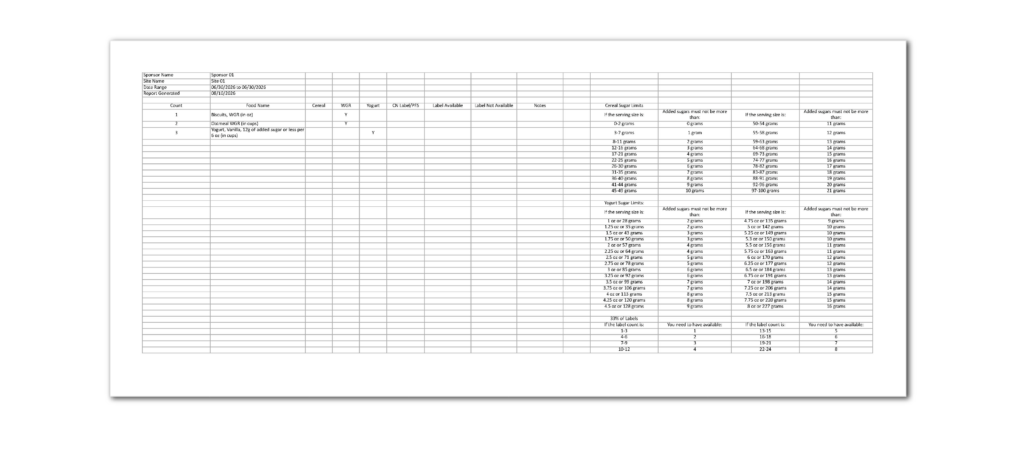

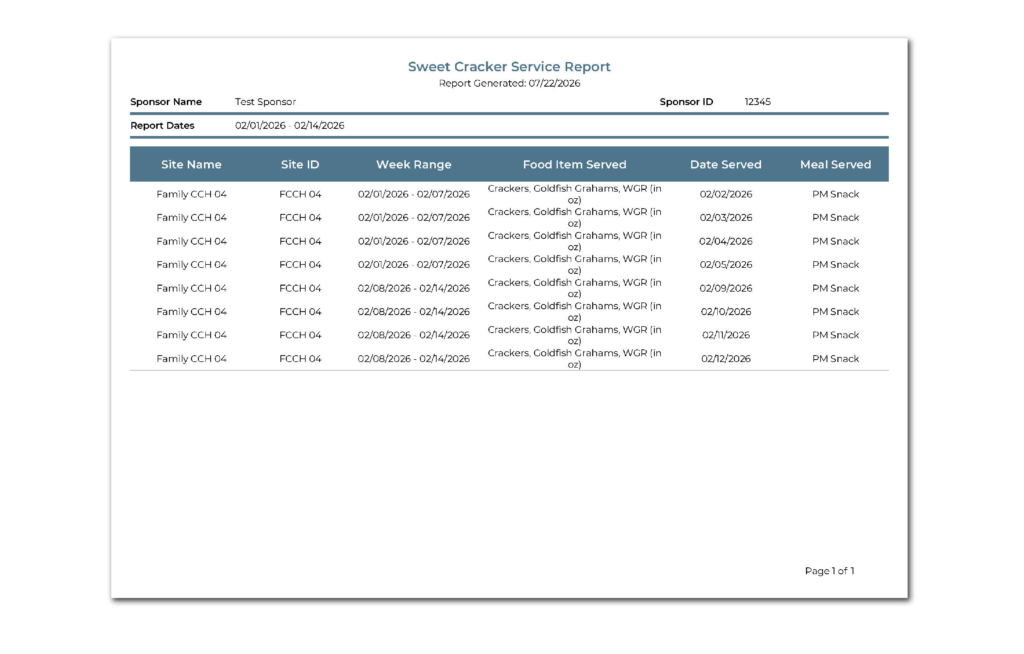
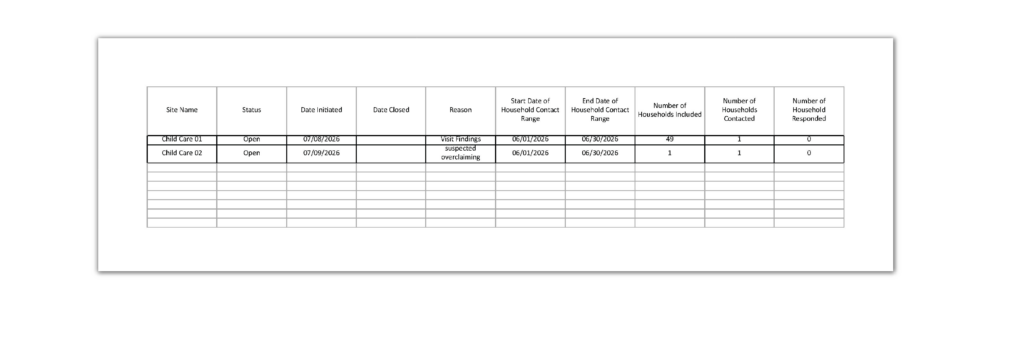












- Features
- Reports
- Enhancements
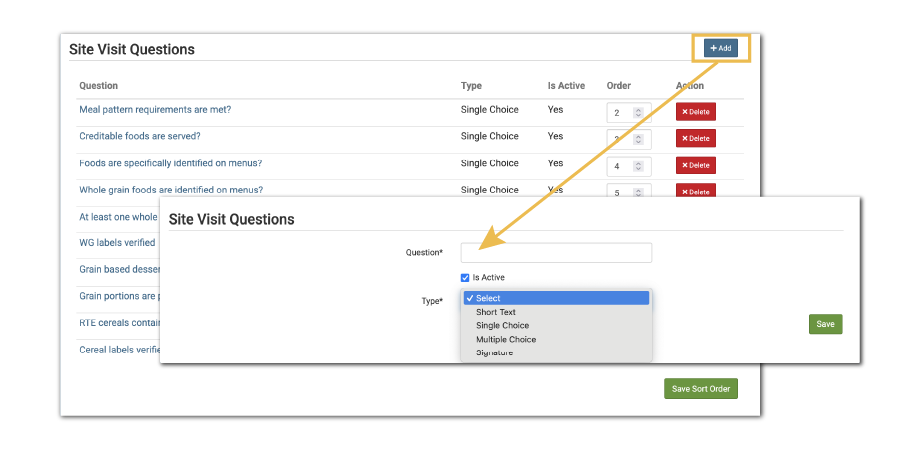
Custom Visit Questions
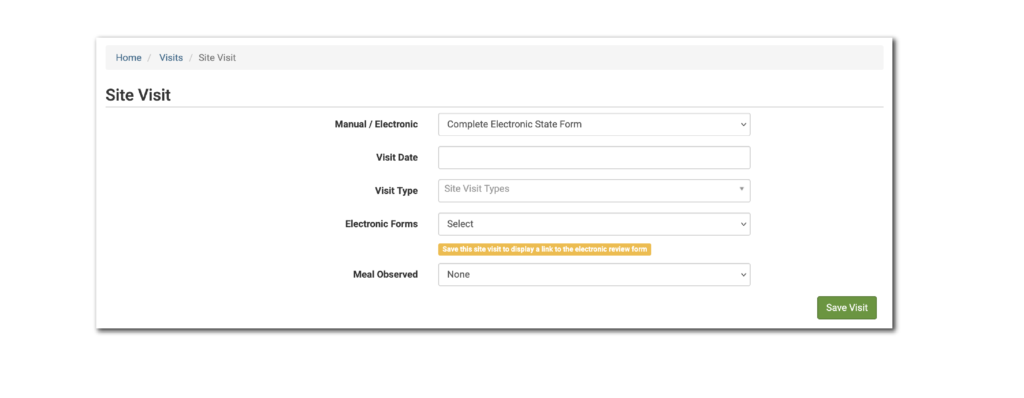
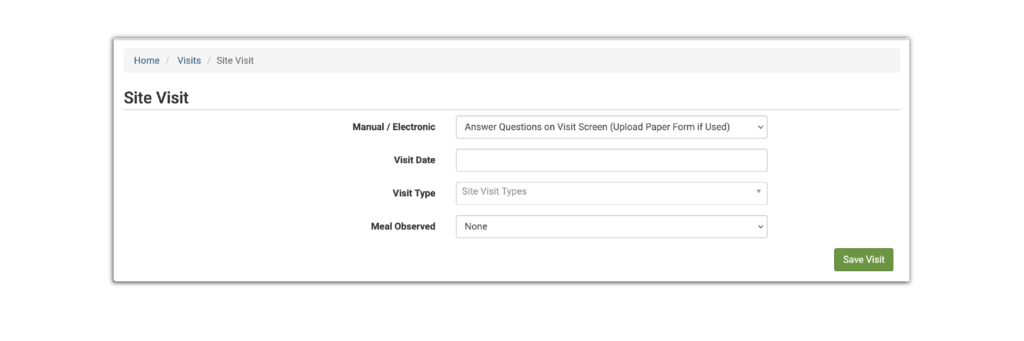
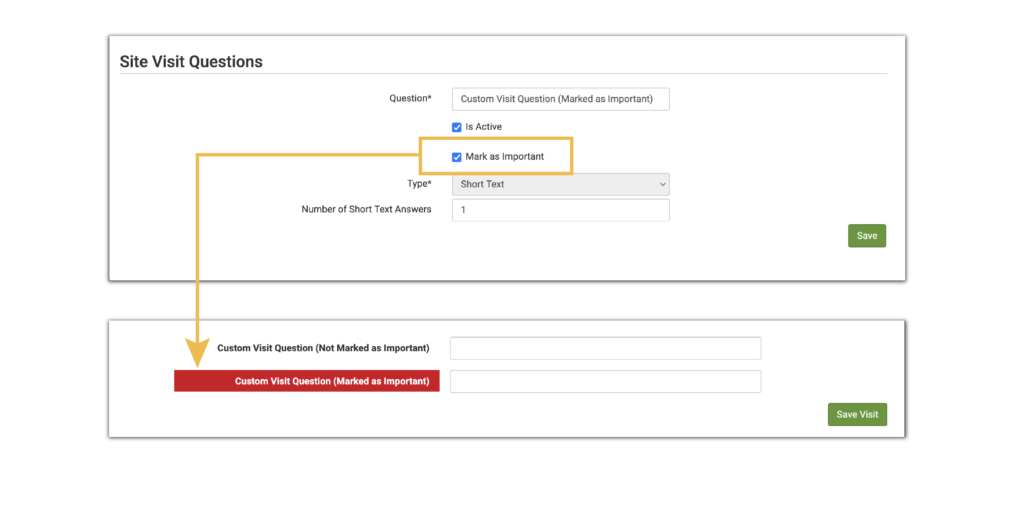
We are excited to offer this new feature for sponsors that do not need to fill out an exact copy of their state agency monitoring form and can instead answer the same questions within My Food Program. Learn more about if this feature is right for you in our Help Center article.
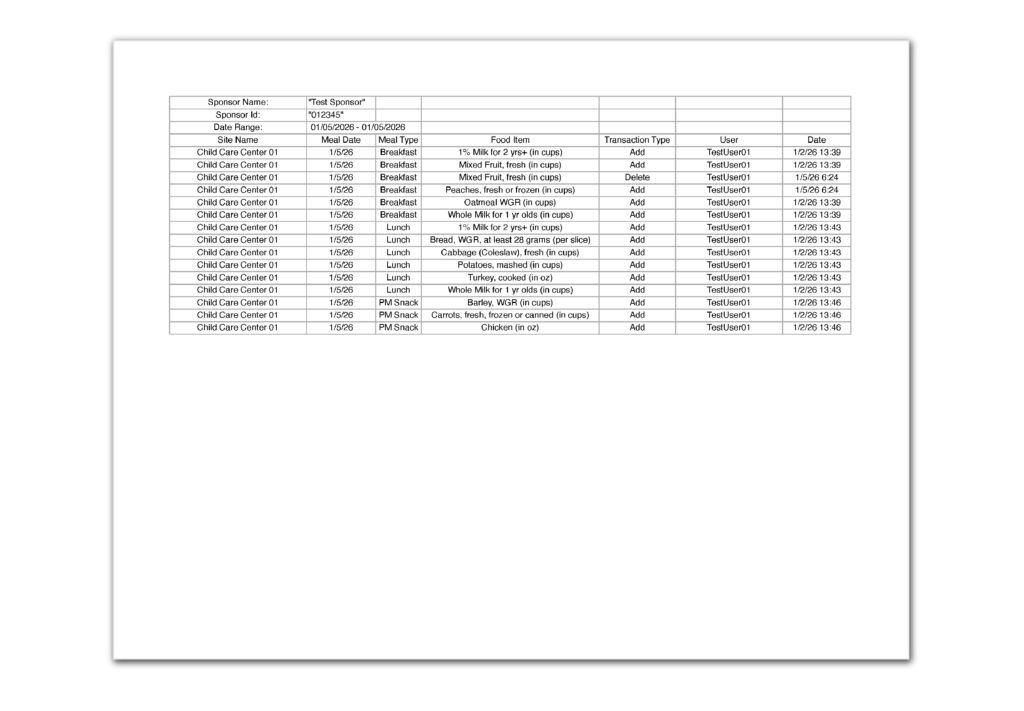
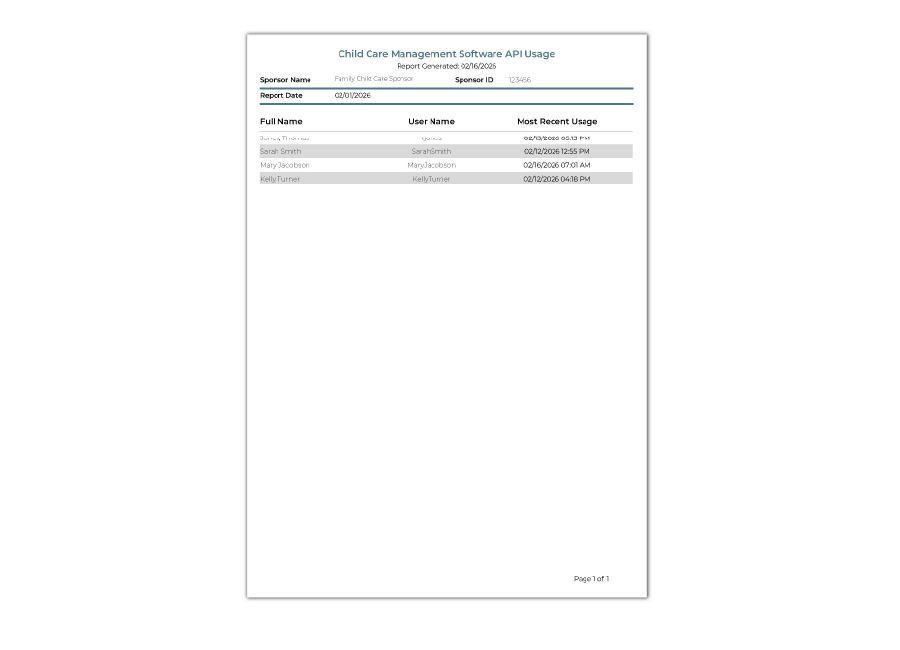
Child Care Management Software API Usage Report
This report provides an audit log of data being entered in Child Care Management Software and sent to My Food Program through our API. Find more details and download a sample report in our Help Center article.
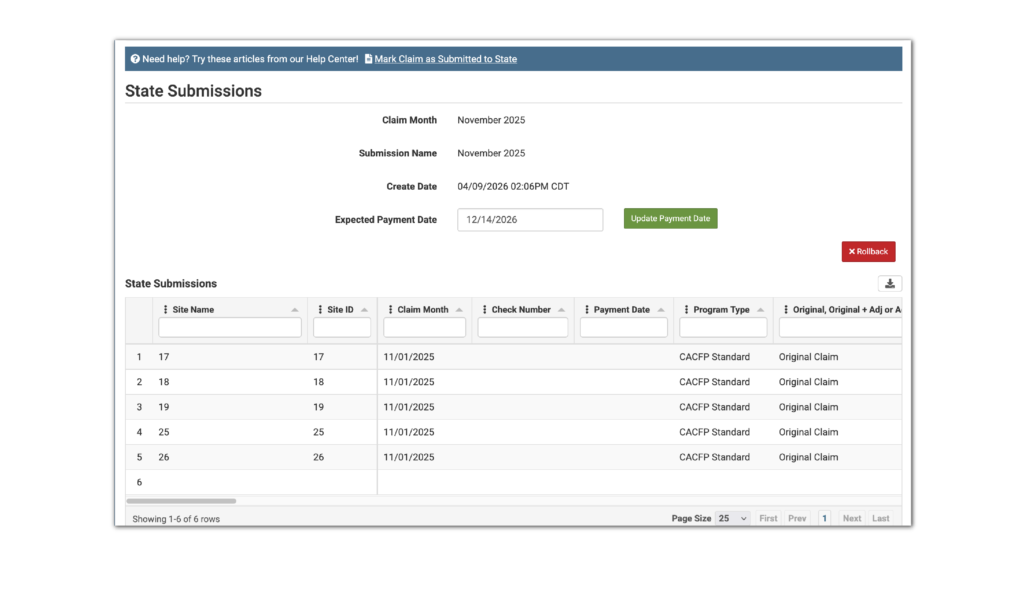
State Submission Detail Report
This report provides claim and claim adjustment details grouped by state submission with the ability to select multiple submissions to be combined into a single report. Learn more and download a sample report in our Help Center article.
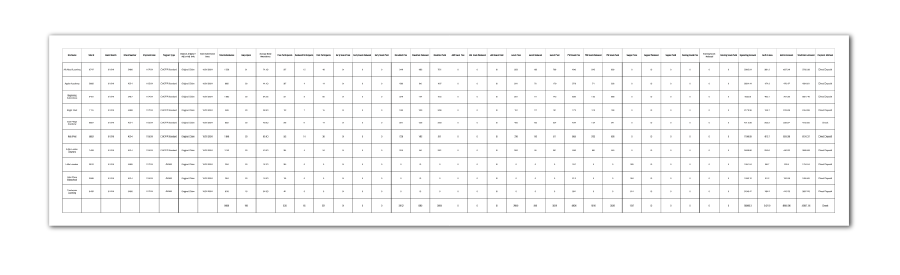
- Added the claim month, check number and payment date to the State Submission Detail Report.
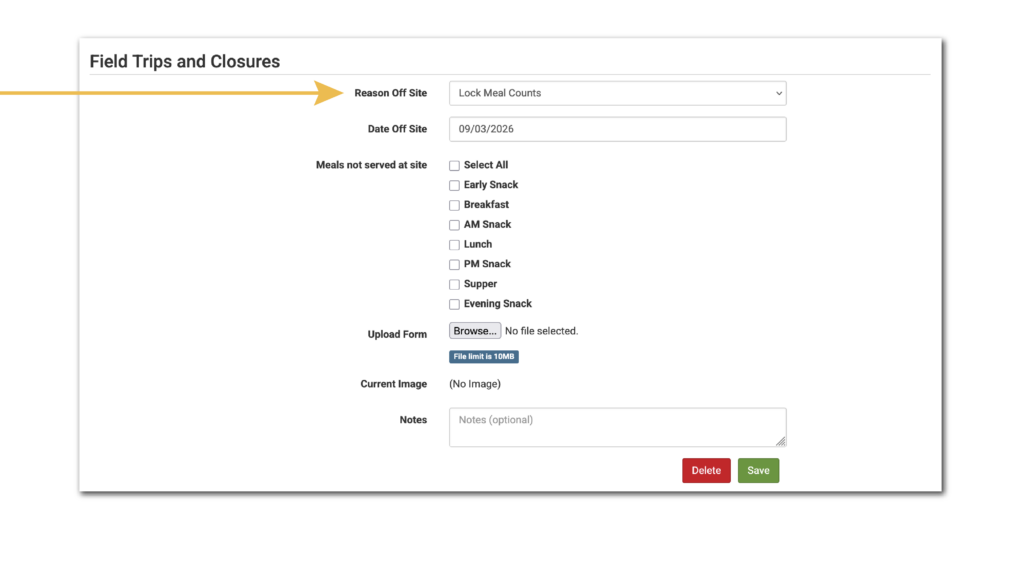
- Made the date/time stamp and create user for site closures visible to Sponsor Reports.
- Added a field in Sponsor Setup to store the sponsor time zone.
- Repaired a bug that was offsetting the days of the week on the Monthly Entry by Name method if the “edit meal count” shortcut from the meal details screen was used.
- On the Participant Registration Form for homes in Colorado, the schedule is now prefilled in addition to participant information and household contact information.
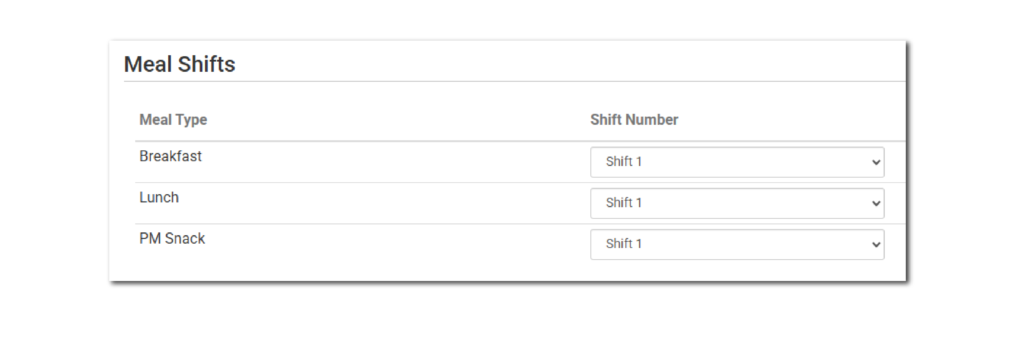
- Added a column for meal shifts to the Meal Count and Menu Claim Documentation Report.
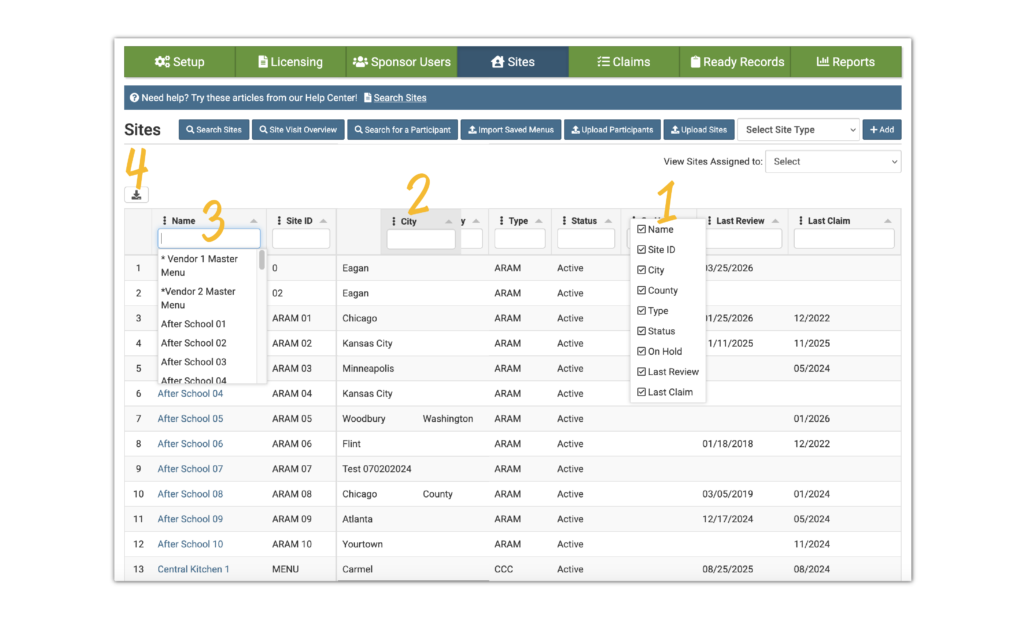
- Added county as a column on the Site Visit Overview screen.
- Added a second “Save Visit” button on the visit page and renamed from “Save” to “Save Visit” to help distinguish it from saving training entries or disallows, which can also be entered on the visit page.
- Updated the formatting on the Monitoring Form Report.
- Changed the setting for Training hours required as part of visit unless provider not home to display an alert banner on the visit page instead of preventing the visit from saving if no training is recorded for the same day as the visit.
- Features
- Settings
- Reports
- Enhancements
Report Screens Updated
We gave our report screens a refresh! Reports are now neatly organized into tables and subcategories, with updated descriptions to help you quickly identify the right report.
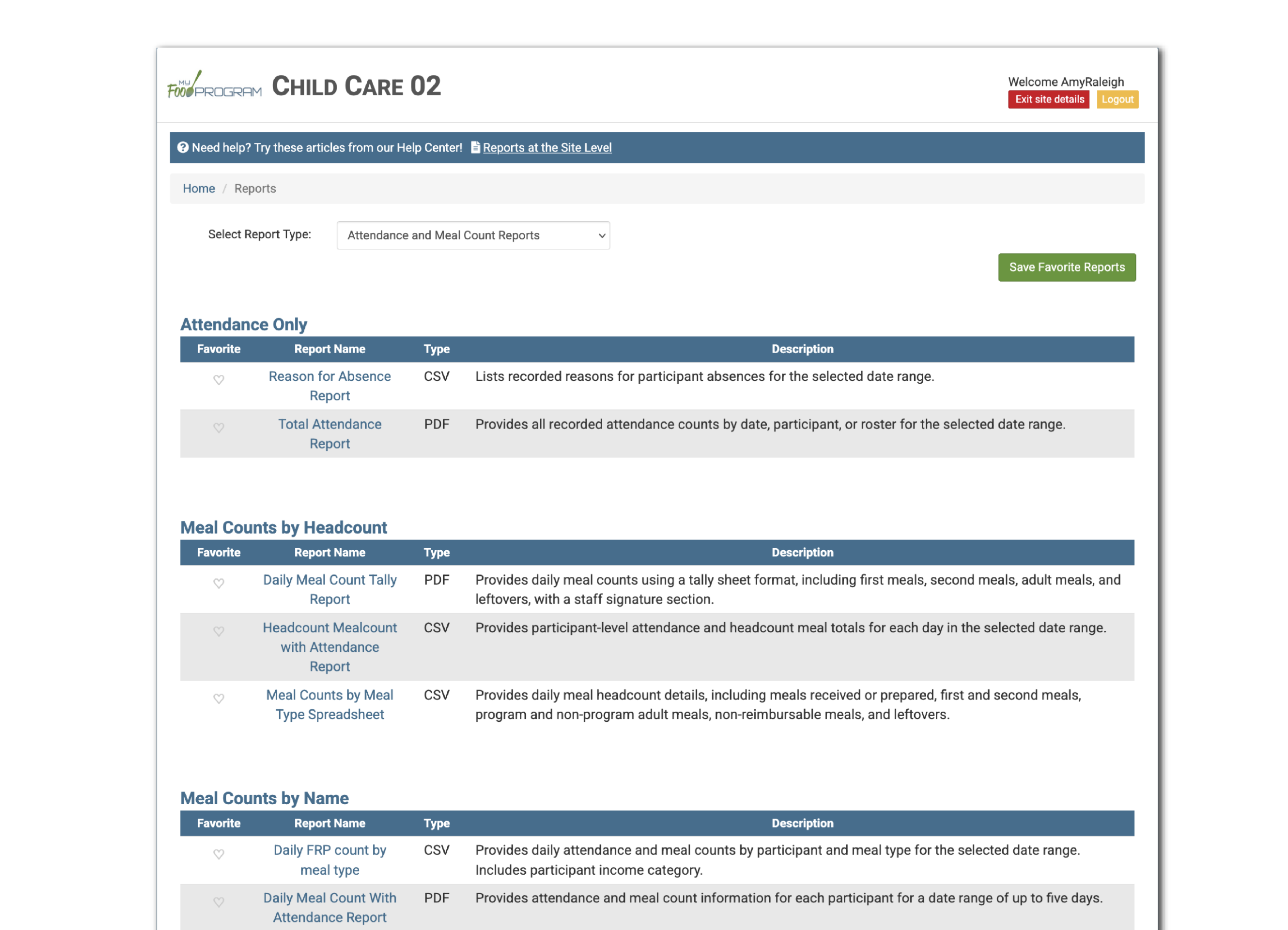
Sponsor Icon “Visits in Current FY Without Training”
This feature provides a sponsor icon alert for visits within the current Fiscal Year (Oct-Sept) that do not have training recorded for the same day. It only includes sites with the checkbox checked Training hours required as part of visit unless provider not home. This feature is most useful for sponsors with a policy to provide training as part of every monitoring visit.

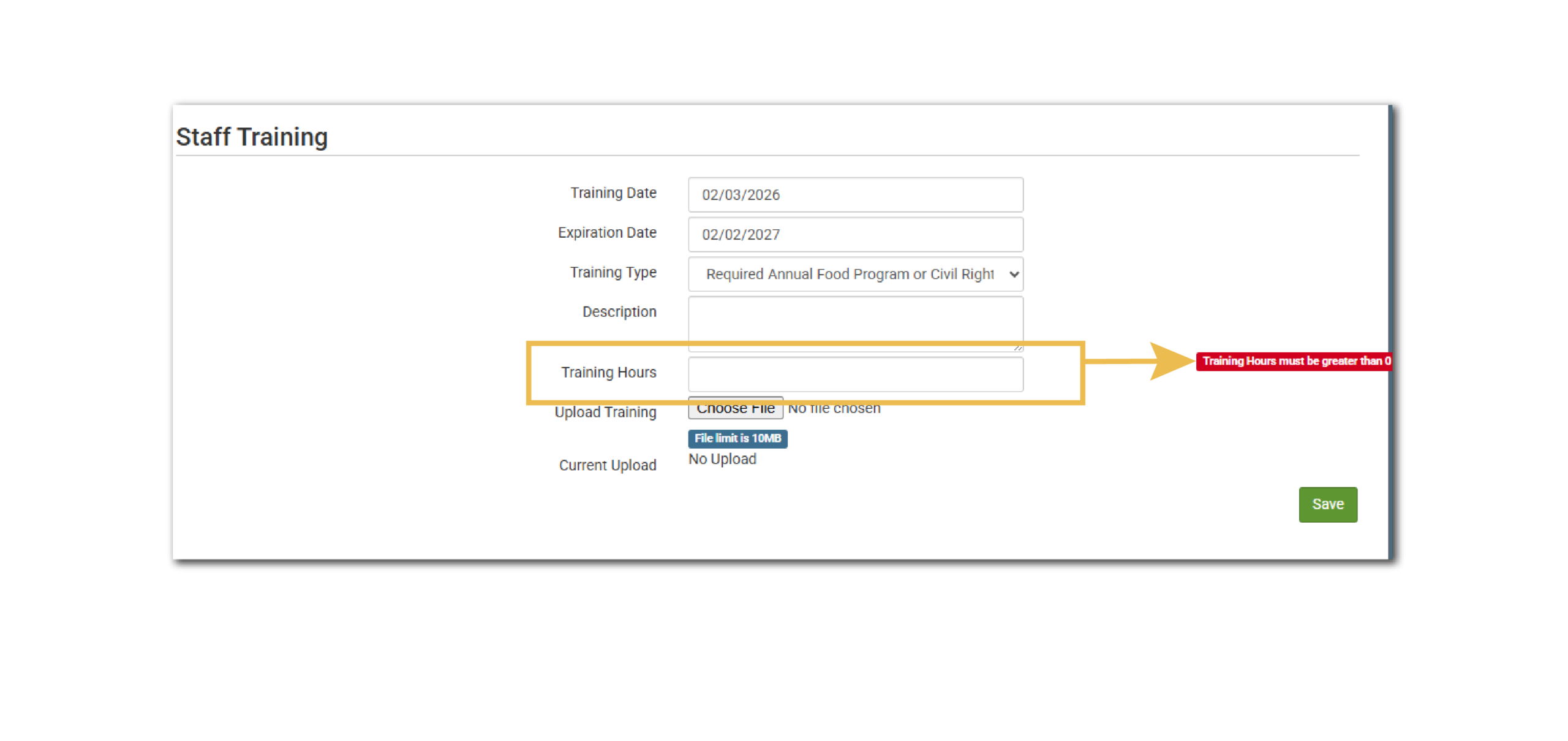
Do Not Allow Training Entry Without Hours
This setting is for sponsors that need to record training hours as part of fulfilling the annual training requirements for the CACFP or SFSP. Checking this box will prevent users from forgetting to enter the number of hours when entering a training. Leaving this box unchecked will allow users to leave the “Training Hours” field blank when entering training.
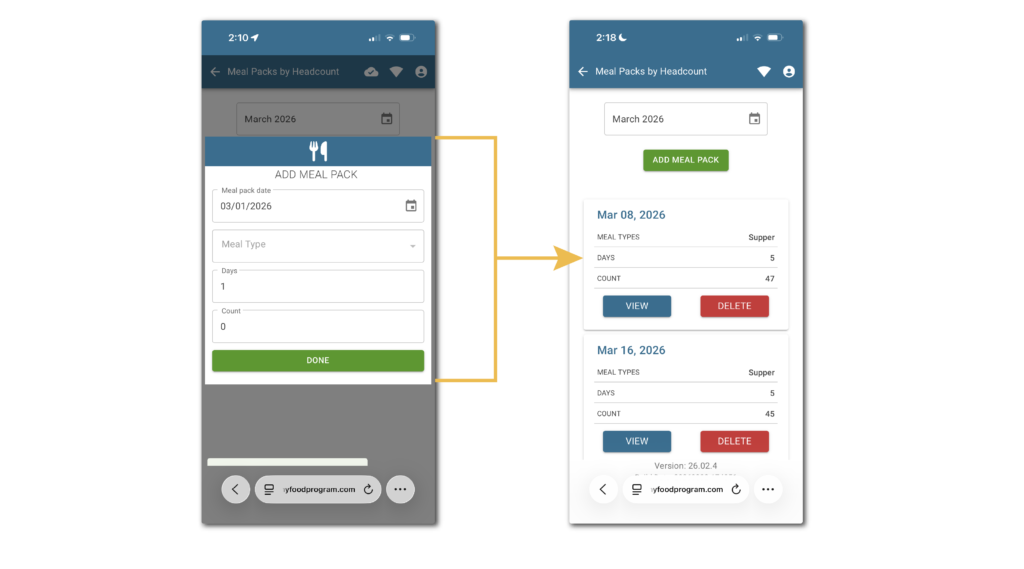
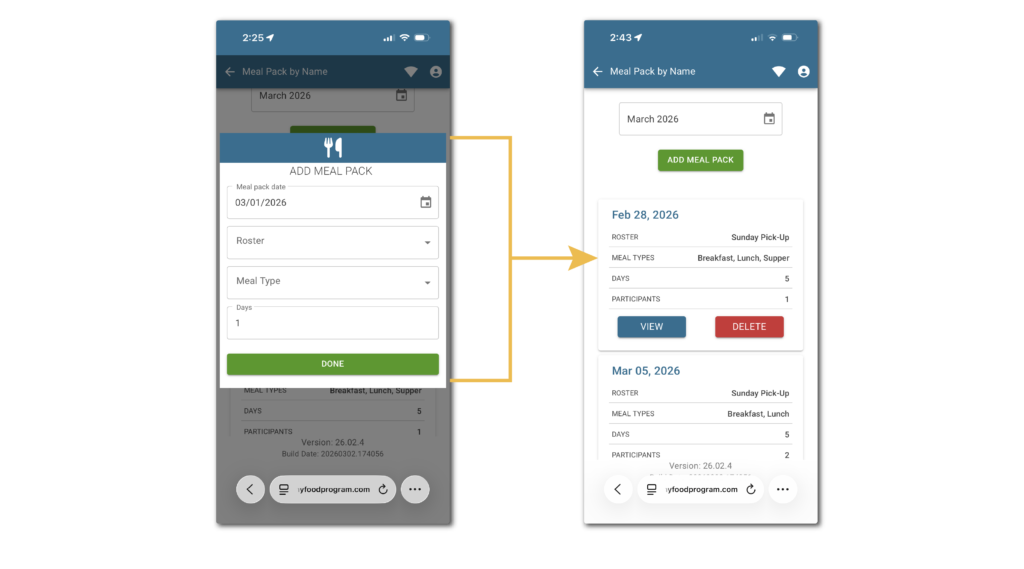
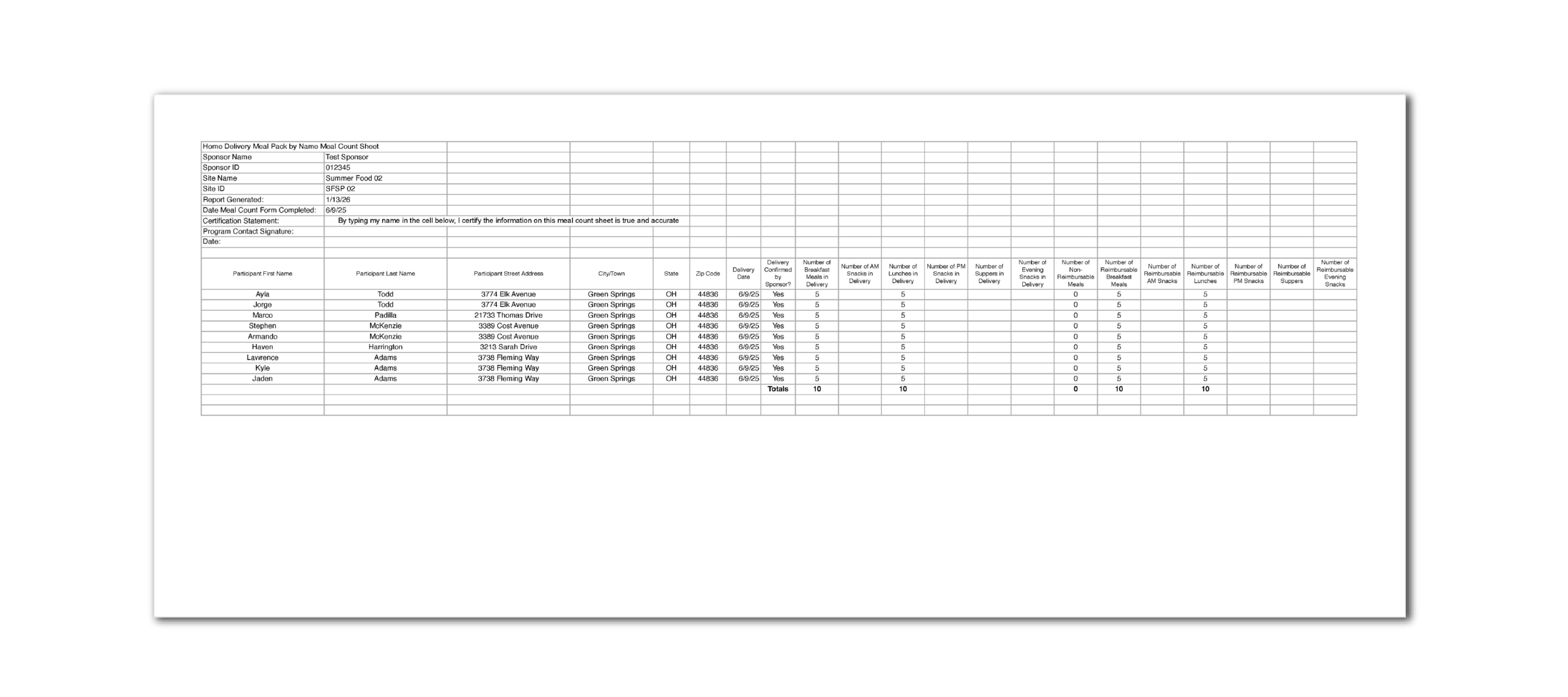
Home Delivery Meal Pack by Name Meal Count Sheet
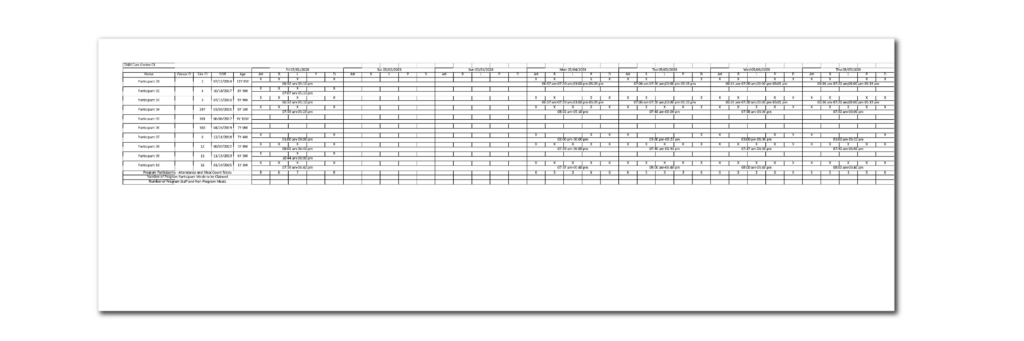
This report provides information about rural, non-congregate summer meal packs that were delivered to participant homes. It lists the names of the children who received meals, their address and the number of meals delivered. Learn more and download a sample report in our Help Center article.
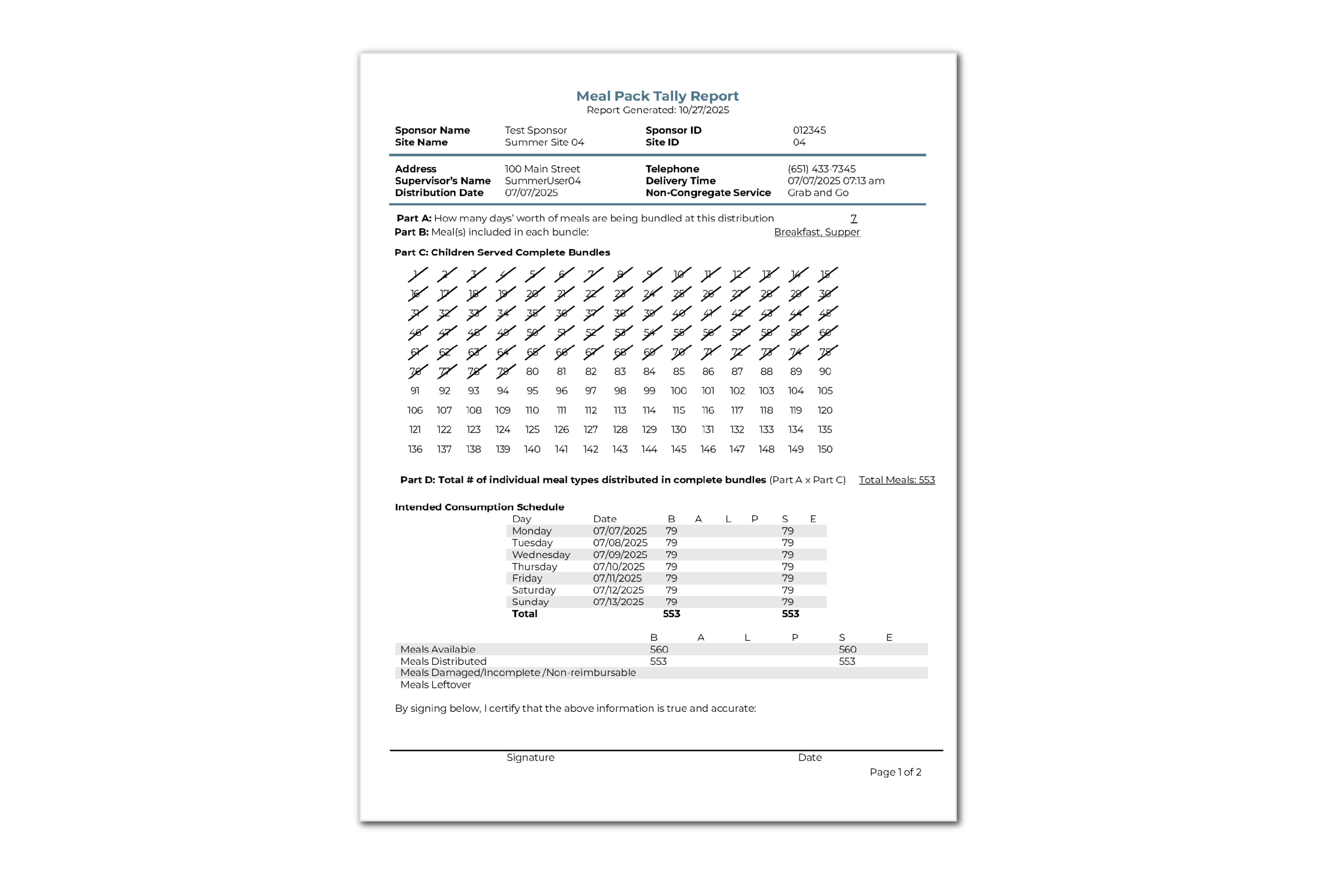
Meal Pack Tally Report
This report provides the number of meal packs distributed at summer food sites using the rural non-congregate grab-and-go model. To learn more about the information included on this report and download a sample visit our Help Center article.
- Updated the prefilled participant registration forms for family child care homes in New York to match the state agency template.
- We repaired a bug that was preventing linking site-level users to multiple sites.
- Added a filter for Monitor to the Training Requirements Report.
- Added header rows with report information to the Participant Race and Ethnicity Report.
- Repaired a bug on the food production screen for participants on multiple rosters.
- Aligned the mobile version to the full web version for expense entry permissions.
- Features
- Reports
- Enhancements
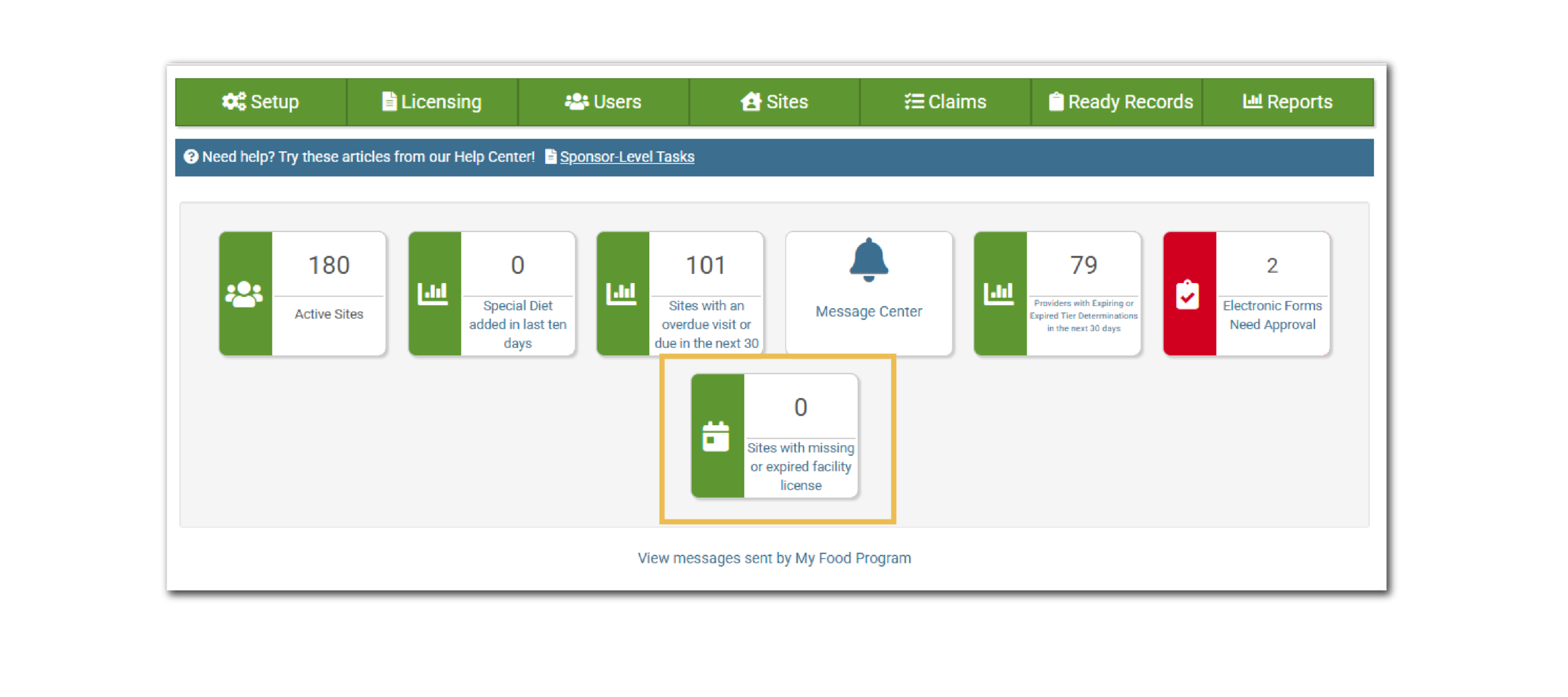
Sponsor Icon for “Sites with Missing or Expired Facility License”
We have added a new icon to the Sponsor-Level Dashboard to quickly show the number of sites with a missing or expired facility license. This count only includes sites for which you are disallowing meals for a missing or expired facility license. Clicking the icon will take you to the Facility License Report. Learn more about the Sponsor Status Icons.
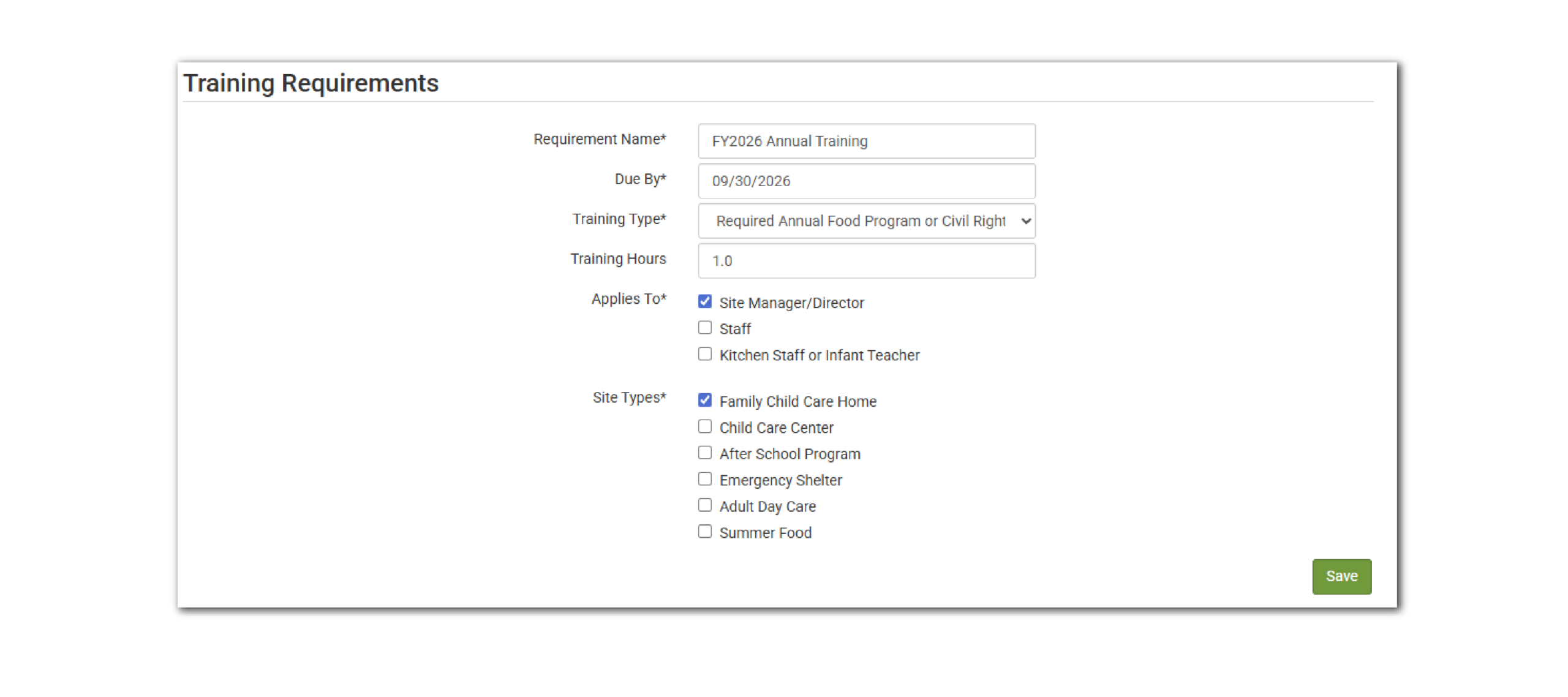
Training Requirements
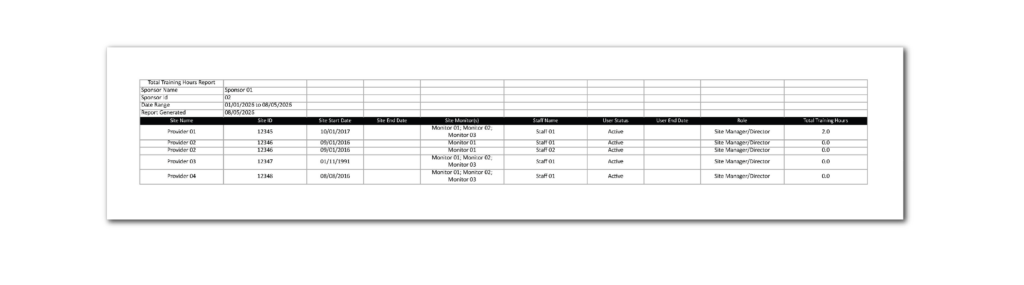
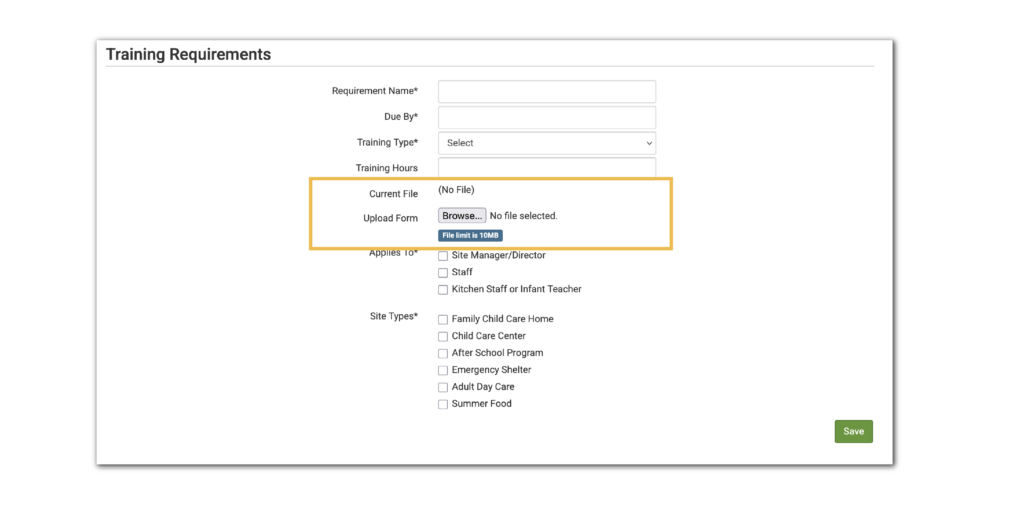
This new feature allows sponsors to set training requirements based on site type and user role. Sponsors can then run a Training Requirements Report to understand which individuals have not yet met the requirement. Learn about all the available options here.
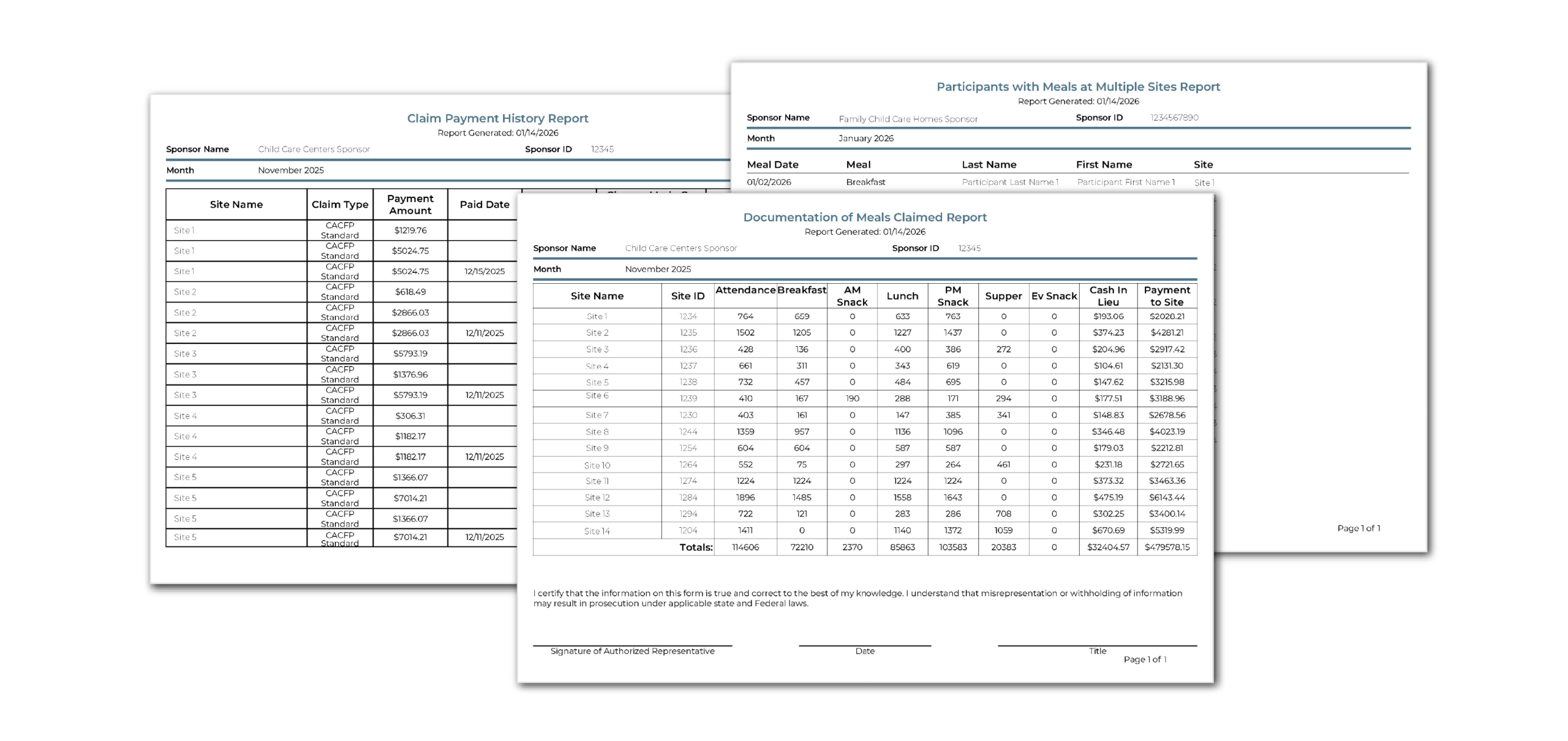
Sponsor Reports: A New Look
This release we focused on enhancing our Sponsor-Level Reports to match the fresh new look we recently added to the Site-Level Reports. Now the Sponsor-Level Reports also have a standardized structure and design for a more consistent experience. Don’t worry—no information has been removed from any report. The updates are only visual.
As a reminder each updated report now features a consistent header that includes the following information:
- Report Generation Date
- Sponsor and Site Names
- Sponsor and Site IDs
Depending on the report, you’ll also see additional details (4) such as Report Type, Report Date, Roster, Meal Type, Address, and more.
We have aligned colors, fonts, and formatting across all reports to create a cohesive look and feel. Our goal is to make it simpler and faster for you to find exactly what you’re looking for.
Master Enrollment List Spreadsheet
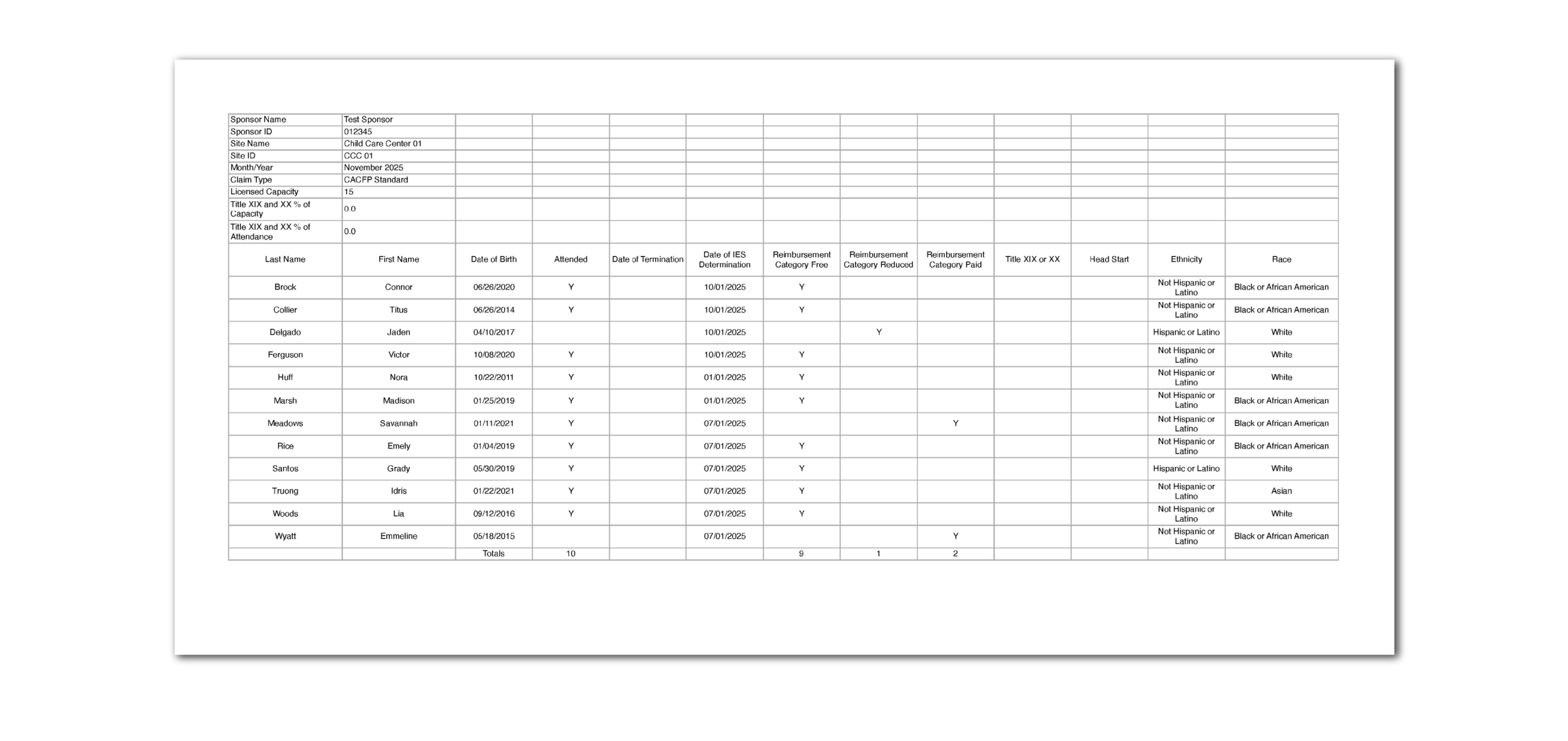
This report is designed especially for sponsors in Washington D.C. This spreadsheet report will have a tab for each site with a claim for the month selected when running the report. Each tab lists the participants that are active for the claim month, their income eligibility category and their race/ethnicity. There is a summary tab at the end the includes each of the sites. Learn more and download a sample report here.
Record of Sponsor User Logins Report
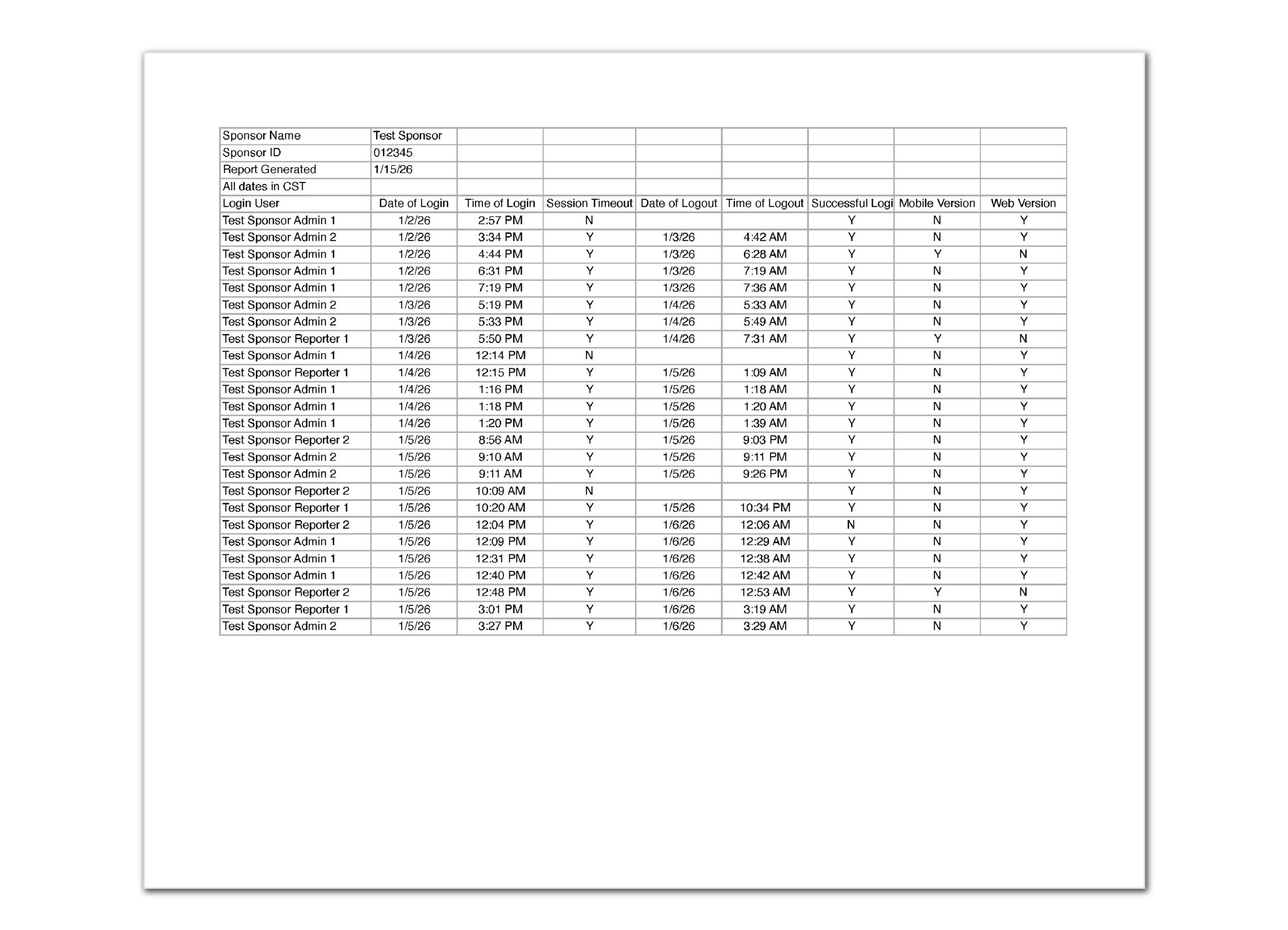
This report provides a spreadsheet of the date and time that sponsor-level users logged into My Food Program. This may be helpful for verifying login activity. Learn more and download a sample report here.
Training Requirements Report
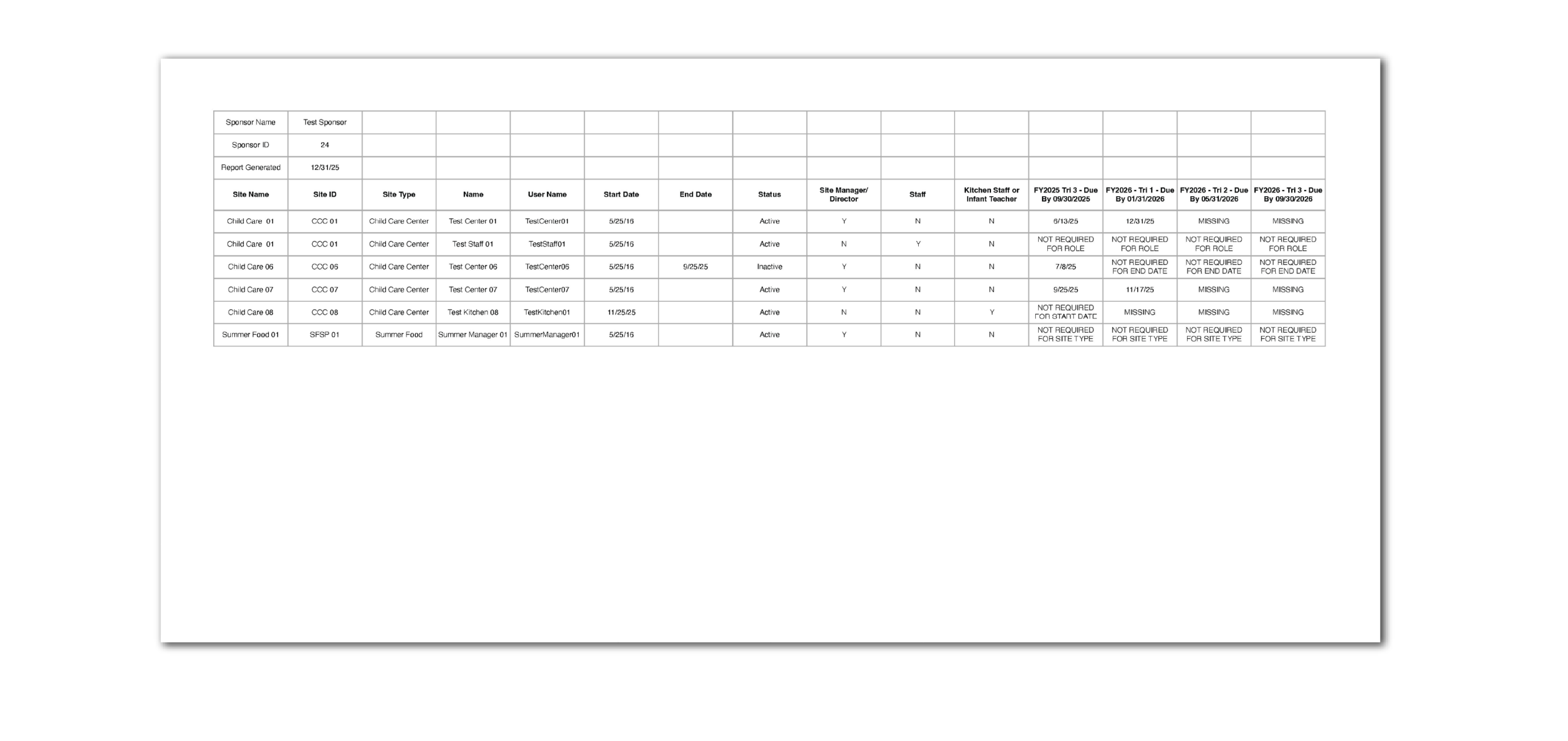
This report contains information about each active site and user and whether they have satisfied a particular training requirement. Visit our Help Center article to see what is all included in this report and to download a sample.
Enhancements & Bug Fixes
- Added the “Approval Begin Date” to the Site Summary Report. This field is populated based on the Actual Start Date field in Site Details.
- Changed the sort order of the File Cabinet contents to be newest to oldest.
- We’ve updated the messages that you see on the View/Create Claims when we do not create a claim. Here are the reasons that we might not be able to create a claim: site has not checked all meals for errors, site has not clicked Submit to Sponsor, additional data was entered by the sponsor after the site submitted to sponsor.
- Ensured the breastmilk is not an option for the “Center/Provider Brand of Formula” on the Infant Meal Notification.
- Updated the wording on the Check for Errors page. It now says “yes” instead of “true” for menu entry and food production record and it says “no” instead of “false”.
- Refreshed the formatting on the Expense Summary by Center Report and added subtotals to each site.
- Made the start date required for site-level users for better compliance tracking. Dates for current site-level users were prefilled with the date the user was created. When a new user is created going forward, the start date will auto-populate with the current date, with the option to edit. When a site is set to inactive, we will automatically add an end date to site-level users.
- Added the option to run the Sponsor-Level Facility License Report to include only those sites with missing or expired licenses.
- Fixed a bug in the Check Stub Report so that it includes only disallowed meals for claim months with an unpaid claim.
- We updated the name of the checkbox in sponsor setup to “block portion size multiplier” to ensure accuracy.
- Enabled electronic form collection for family child care homes in New York and Kansas through our Ready Records system.